“That’s not what I ordered.”
Document visible condition, model, size and included accessories before dispatch. Keep the photo alongside the listing and order details.
 RIALITI.
For Shopify & Amazon FBM sellers
You know what you packed. Make it easier to show. Signed packing and return photos give your next dispute a checkable record of the item’s condition.


Early access
Built around your selling workflow
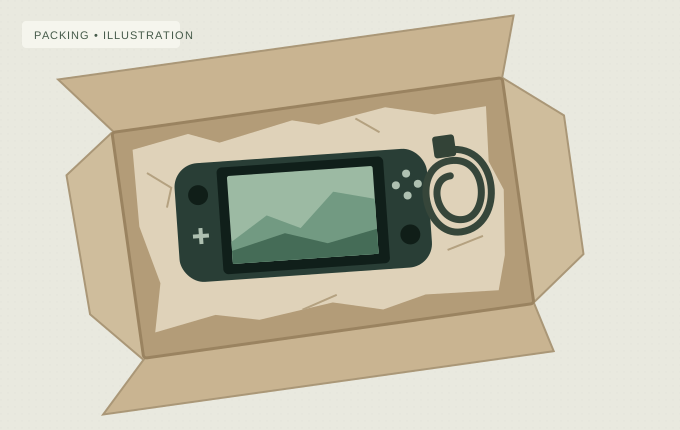
A record to support your side of the story.
Illustrative workflow. Not a verified photo or a live order.
For the details
that cost you money
The order left. The argument didn’t.
For growing sellers doing $500K–$10M a year, the packing station can be the best place to start an evidence trail. Keep a record at three moments that matter.
Document visible condition, model, size and included accessories before dispatch. Keep the photo alongside the listing and order details.
Capture visible serial numbers or identifying details at packing and return intake. Compare what you shipped with what came back.
Record seals, tags and visible wear at both ends of the return. Build a clearer timeline when the item’s condition is contested.
How Rialiti works
Get early access to signed packing and return photos. Capture the details while the item is in front of you, then keep the original record for when you need it.
Take photos through Rialiti before sealing the parcel. Capture the item, its identifying details and everything included.
Keep original photos and their signed capture records alongside your order reference. Repeat at return intake to compare what left with what came back.
Use relevant photos alongside the listing, tracking and customer messages in the dispute process your platform supports.
Signatures support checks of capture origin and original-file integrity. They don’t prove delivery or guarantee a successful dispute.
Rialiti for sellers
Get Rialiti for your store. Add a checkable record of condition and contents to your packing and returns workflow.
CHOOSE YOUR PHONE
Choose your store to get started.
Early access
You’re on the list
We’ll email your early-access invitation and getting-started details. No confirmation email is sent right now.
Save your private removal link. It lets you delete this signup. Keep it private; it’s only shown for a new signup.
A few honest answers
No outcome is guaranteed. Photos can help document visible condition and contents, but the card issuer evaluates the full case. A signature doesn’t establish that a claim is fraudulent. Keep your listing, fulfillment records, tracking and customer communications too. Read Shopify’s chargeback guidance.
Rialiti’s capture technology uses a device-signed record of a photo’s file hash. An exact-file match supports checks of capture origin and whether those original bytes changed. It does not prove the scene is truthful, what happened outside the frame, or what was delivered. A visually similar or edited copy is not the same as a verified original.
Keep signed packing and return-intake records for seller-fulfilled orders. Amazon’s eligible SAFE-T claims, A-to-z claims and card chargebacks have different rules; the workflow must fit the specific process. Amazon recommends photos and supporting documentation for eligible SAFE-T claims. Rialiti is not an Amazon integration or an endorsement. Read Amazon’s SAFE-T guidance.
Choose App Store or Google Play above, then fill in the invitation form. We’ll email an invitation with installation details, supported devices, and any pricing or access terms before you start. Requesting access is free and does not commit you to a purchase. Signing up does not install the app or connect your store.